 NovaDial
Your favorite sites.
One new tab.
NovaDial replaces the new tab with a fast, private visual speed dial — tiles of the sites you love, groups, built-in search and gorgeous wallpapers.
Free · No ads · No tracking
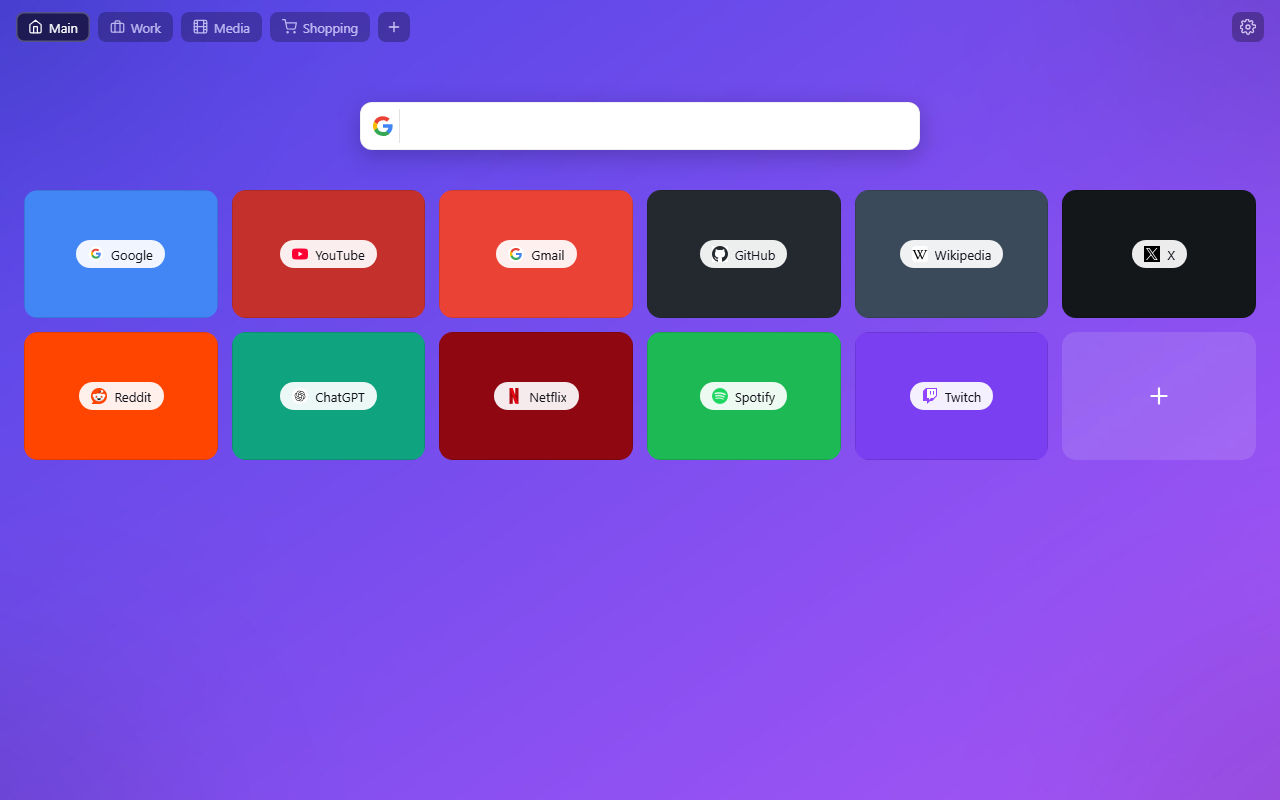
Everything a new tab should be
No accounts, no clutter — just your sites, beautifully organized.
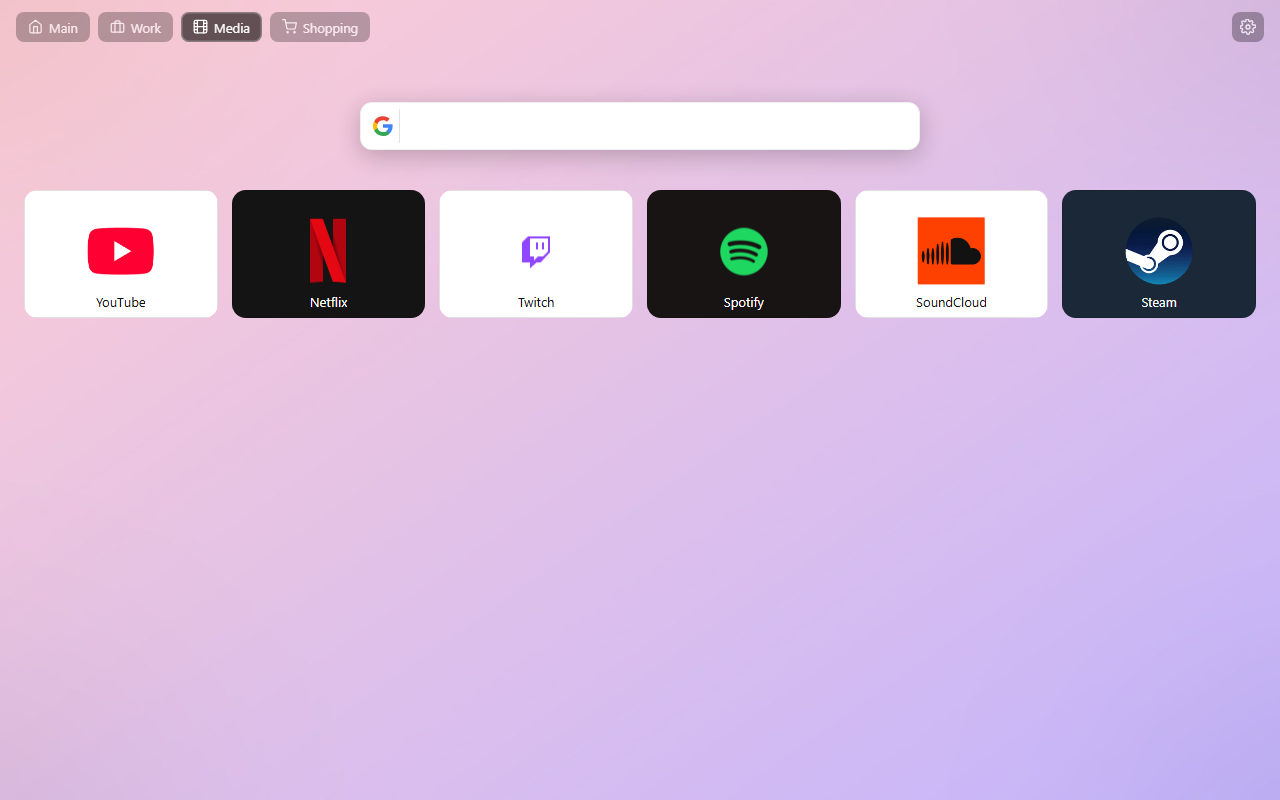
Three tile styles
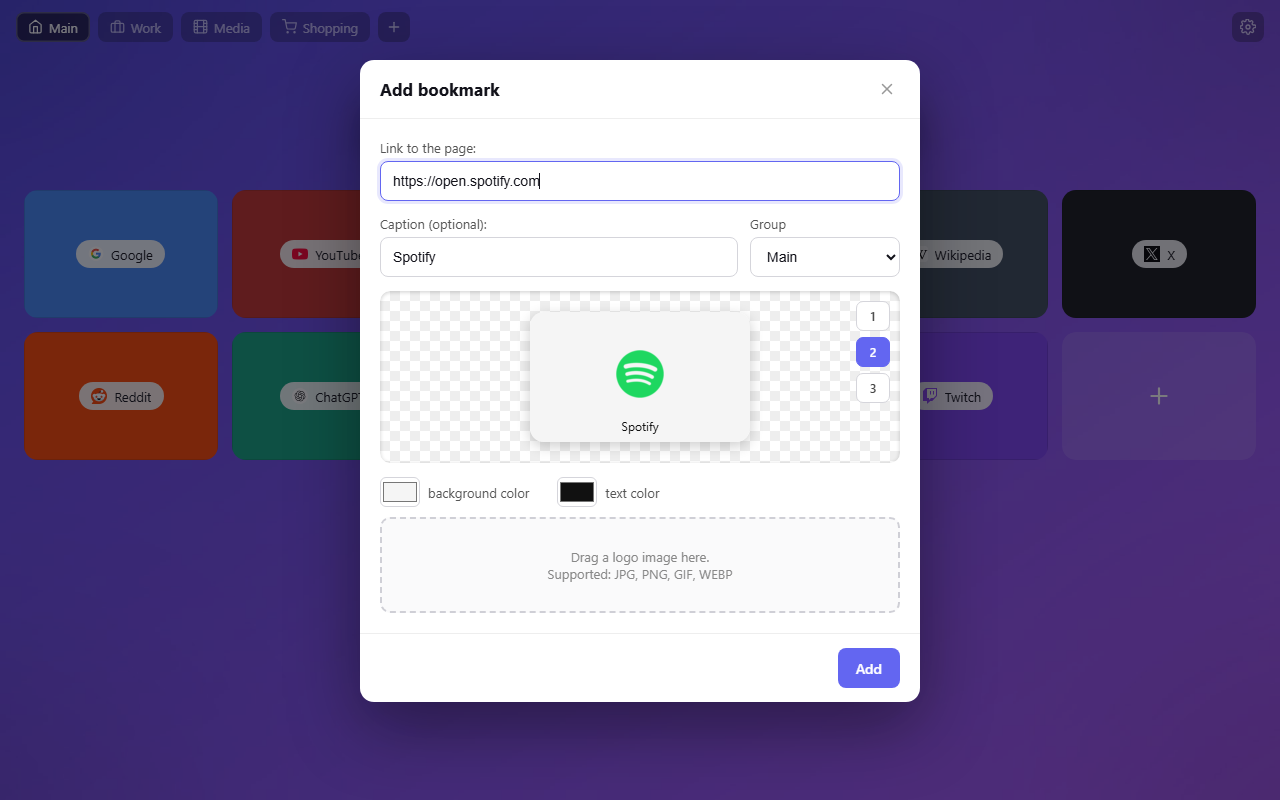
Minimal favicon tiles with auto colors, big logos, or full site images — mix them freely, with live preview while editing.
Groups
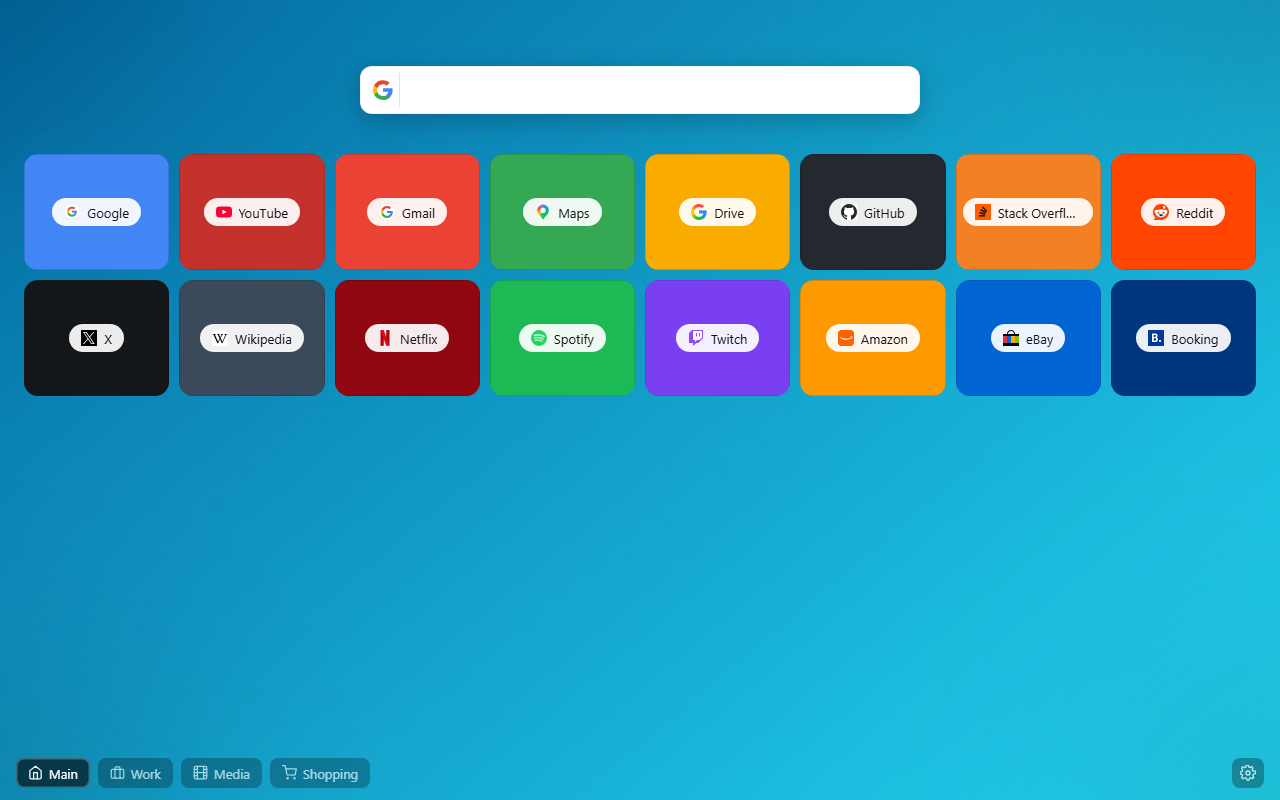
Work, Home, Shopping… Switch instantly with Alt + 1, Alt + 2. Drag & drop tiles to reorder them inside any group.
Built-in search
Google, Bing, DuckDuckGo, Yandex or Ecosia with live suggestions, plus quick YouTube and Wikipedia search.
Wallpapers
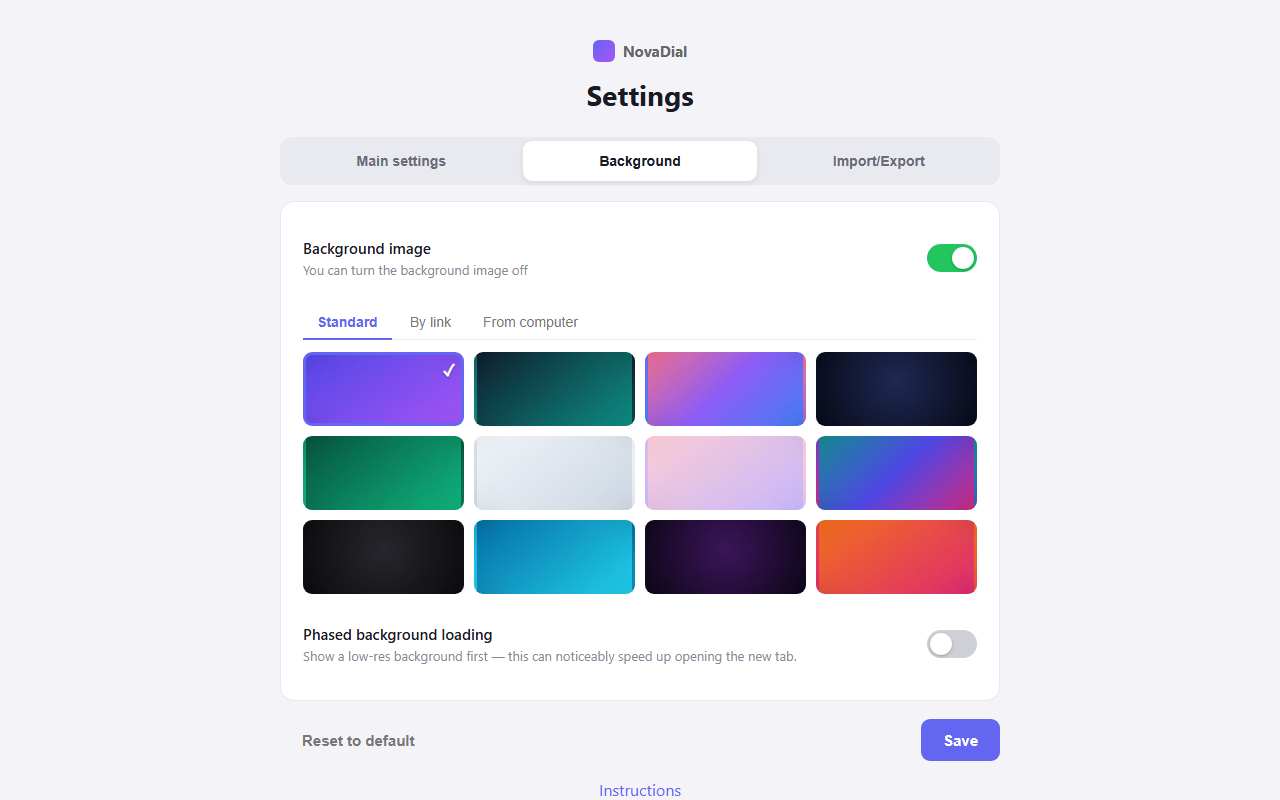
12 bundled gradients, any solid color, an image by link or your own picture — with phased loading for instant tabs.
Feather-light
Under 1 MB, zero heavy frameworks, opens instantly and works fully offline.
Backup in one click
Export all tiles and settings to a file and restore them on any computer.
See it in action
Big logos, dense grids, live editor, rich settings — it's your call.
Private by design
NovaDial was built the old-school honest way: it is a page of your bookmarks, not a data business.
- 100% local. Bookmarks, groups and settings live only in your browser.
- No analytics, no ads, no trackers, no affiliate links.
- Minimal permissions. Broad site access is optional and asked only when you use "image by link".
- Open behavior. What you see is all it does — nothing runs in the background.
FAQ
Quick answers
How do I add a site?
Click the “+” tile (or right-click any page and choose “Add to NovaDial”). Paste the link, pick a style in the live preview, done.
Where is my data stored?
Only on your computer, in Chrome's local extension storage. Nothing is uploaded anywhere. Use Settings → Import/Export for backups.
Can I change the language?
NovaDial follows your browser language automatically (30+ languages) — or pick one manually in Settings.
How do groups work?
Create groups with the “+” button next to the group pills, drag tiles between them, switch with Alt + 1…9, and choose icon/text look in Settings.